used AI for academic assistance at least sometimes
16 of 23 respondents to this questionUW Informatics capstone · Applied AI · 2026
AdvisrLab
UW was rolling out Purple. Our capstone gave it a job.
Our five-person team designed a first stop for iSchool advising: answer the routine question, show the official source, and know when the right answer is a human advisor.
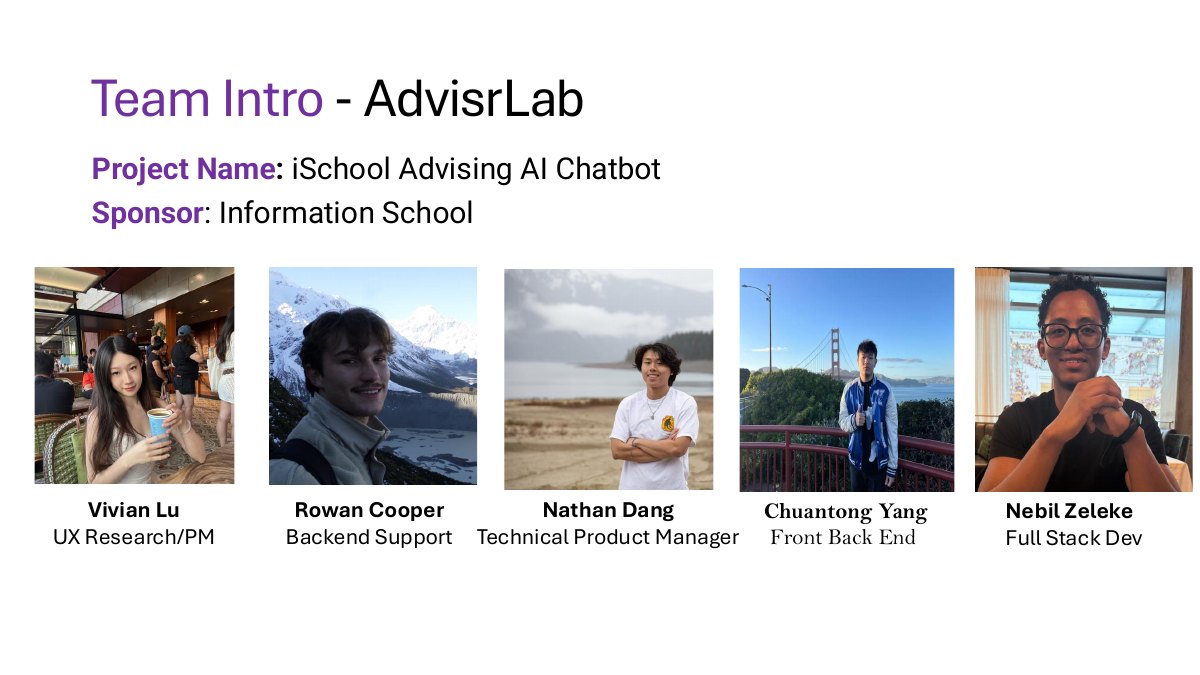
2 / 17Meet the team
Swipe, use the arrows, or press left and right
RoleBackend support
Team5-person capstone
ResearchStudent survey · n=29
MVP40+ common FAQs
The starting signal / User research
Students were already asking AI. They just could not depend on the answer.
Speed was not the unmet need by itself. Students wanted help after hours and without the friction of asking a person—but their existing AI tools were only useful some of the time.
How might iSchool students get timely, accurate advising information without trading certainty for convenience?
said those tools were effective only “sometimes”
12 of 22 AI userswould use an AI agent for an immediate answer
Student survey · overall n=29needed help outside business hours or on weekends
Student survey · overall n=29The approach
We turned one vague chatbot brief into three product problems.
Each problem changed the shape of the assistant: what it knew, how it answered, and when it stopped answering.
01 / The information problem
The answer was somewhere. Finding the right “somewhere” was the problem.
As a UW student, I had already lived this failure: a basic planning question could send you across admissions guidance, degree requirements, and quarter-by-quarter course information. The official answer often existed. Students first had to know which system owned it.
We treated advising as a decision problem instead of a search problem. More than 40 common questions were organized by student intent, the source that could verify the answer, and the condition that should trigger a handoff.
Decision-tree knowledge model
Start with the student’s decision, then find the source.
Choose a question to trace the route.
Response ruleCite the current requirement; route exceptions to an advisor.
Interactive logic model based on the capstone’s advising use cases. The schedule connection remained outside the MVP.
02 / The uncertainty problem
A useful answer needed an exit.
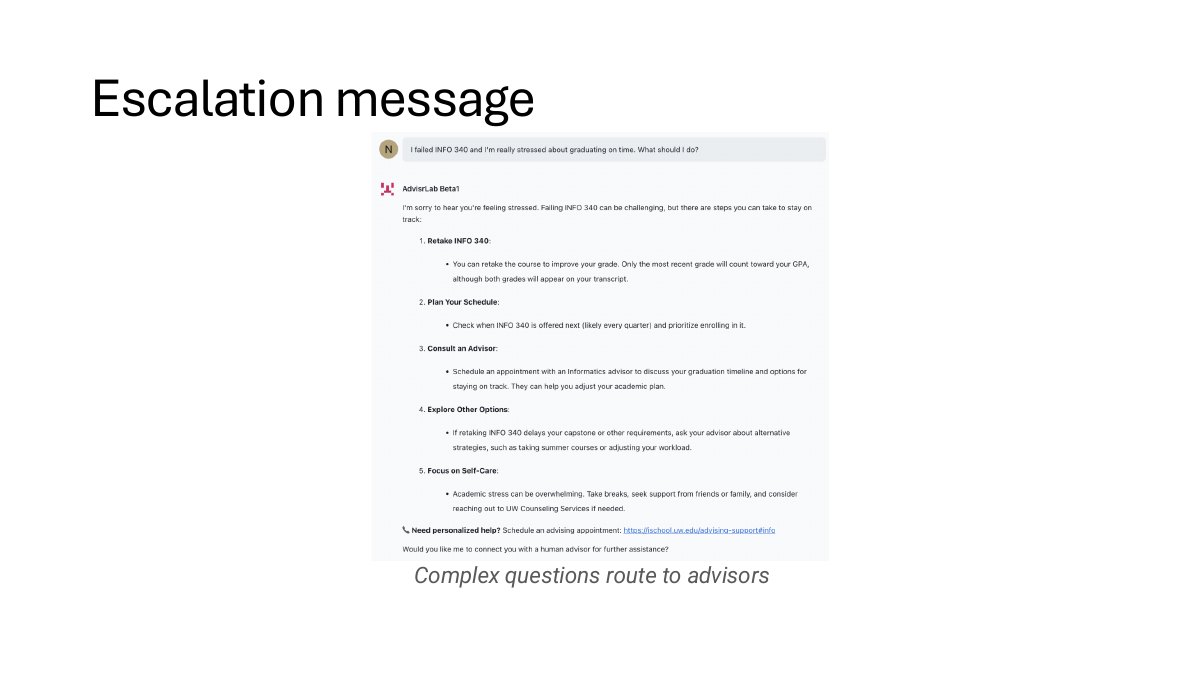
Generic chatbots make uncertainty sound polished. In advising, that can change a student’s schedule or delay graduation. We made refusal and escalation part of the product behavior.
When the assistant could not ground a response—or the question depended on a student’s individual record—it would explain the limit and route the student toward a human advisor. The handoff was not a failure state. It was the safe answer.
Student question
“Can this course count toward my degree?”
System checkCan an approved source resolve this exact case?
- Lead with the answer
- Link the official source
- Give one clear next step
- Say what could not be verified
- Do not guess
- Route to a human advisor
Continue with an advisor →
03 / The trust problem
Fast was not the same as trustworthy.
Concept testing confirmed that students liked quick answers and a simple chat interface. It also exposed the product’s real standard: one inaccurate answer could outweigh all of that convenience.
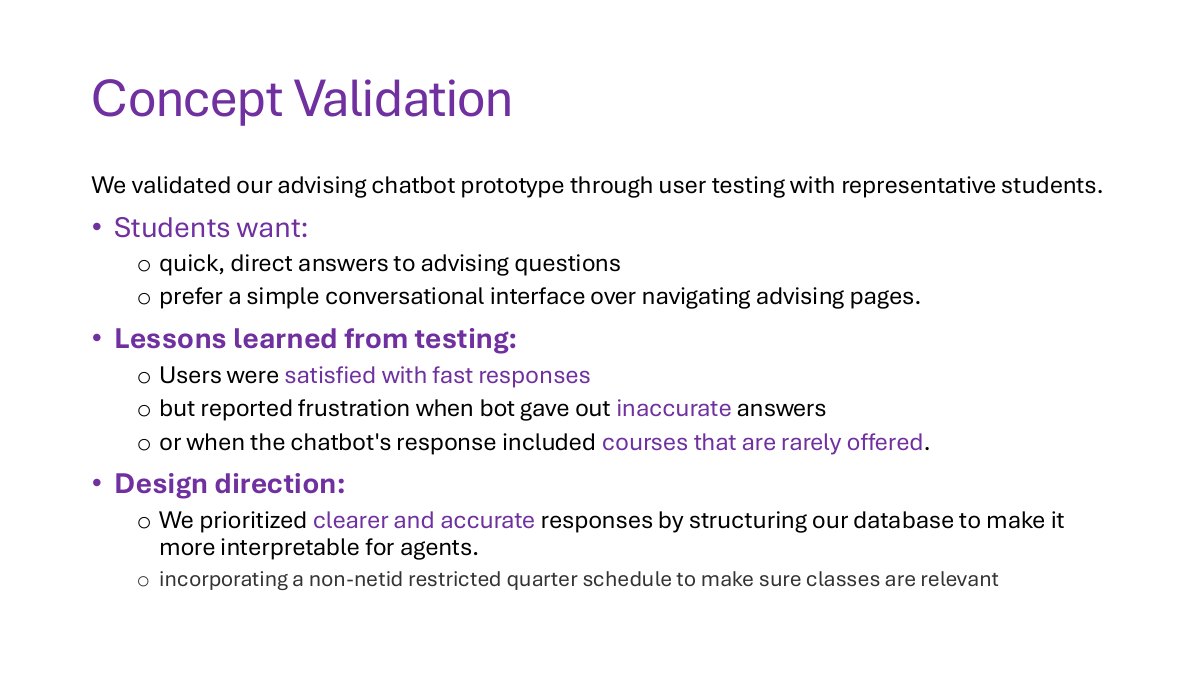
Put the answer before the explanation.
Let students verify the answer themselves.
Recommend courses only when schedule data is available.
Move individual cases to a human advisor.
Moving forward / Technical reality
The interaction model worked. The production plumbing was not there yet.
The capstone produced a researched Purple prototype—not a deployed advising service. The largest blockers were infrastructure: no reliable centralized knowledge base, no usable Purple API for a public integration, limited sharing, and no live course-schedule connection.
A testable advising behavior
- 40+ common FAQ responses
- Knowledge base from advisor-maintained material
- Official-source citations
- Human escalation messages
- Working prototype inside UW Purple
The systems around the chatbot
- Maintained iSchool documentation
- Current, non-NetID course-schedule feed
- Purple API and broader sharing access
- Testing beyond the restricted prototype
- Deployment on the advising website
Project artifacts
See the work in its original form.
The Purple prototype may require UW access. Product claims here are limited to the capstone presentation and prototype work.
Next project